How does it work?
For most phones, nothing really changes. Wireless charging happens through the centre of your device, while the camera usually sits higher up on the back. So the two don’t interfere with each other.
In practice, this means you simply place your phone on the charger and it works as expected.
Round vs square wireless chargers
With most wireless chargers, you won’t run into issues. Chargers with a round charging surface usually leave enough space for the camera bump. This allows your phone to rest properly, so charging works without problems.
With square or fully flat charging surfaces, such as pads or power banks, it’s more important to check the available space. If the camera bump sits too close to the charging area, your phone may not lie flat, which can affect charging.
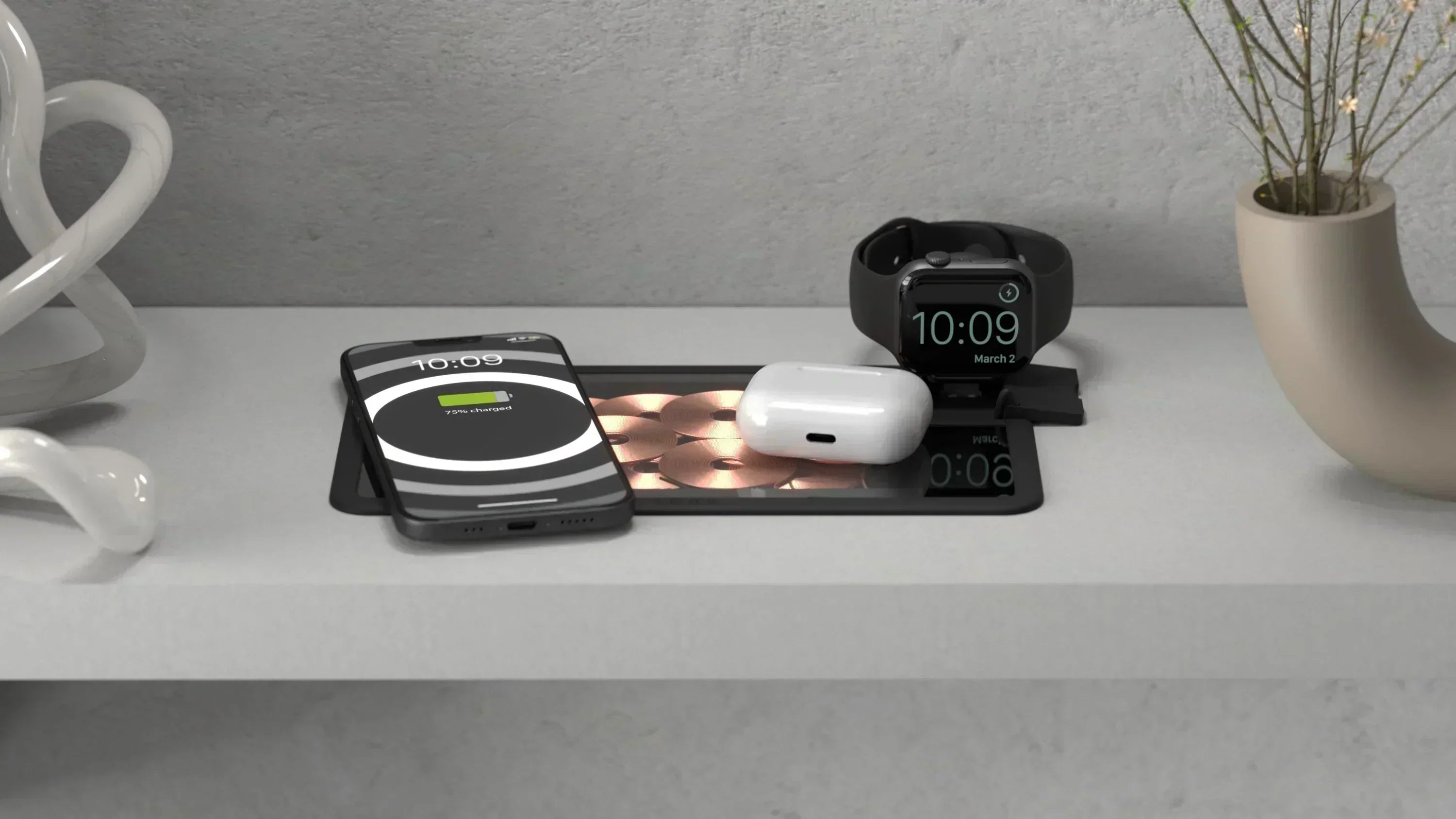
A good example is the Office Charger Pro 2, which combines both. The round charging area is ideal for phones with larger cameras, while the flat section can be used for accessories like earbuds.
When does a large camera become a problem for wireless charging?
It only becomes an issue when a large camera is combined with very little space between the camera and the magnetic charging point, and you’re using a case with oversized bumpers. In that case, the camera bump can prevent your phone from lying completely flat on the charger. And that flat contact is essential. If the connection isn’t optimal, wireless charging becomes less efficient or may not start at all.
For the following models, it’s important to check your case:
- Xiaomi 15 and up
- Samsung Galaxy S22 series and up
In the image above, you can see that the charging ring on the Samsung S25 sits very close to the camera module. This tight spacing can cause issues with square wireless chargers or power banks, as they may touch the camera bump. With the right case, you can still enjoy seamless wireless charging, even if the power bank slightly overlaps the lower camera lens, as shown in the example.
What do you notice in practice?
You place your phone on the charger, but it doesn’t respond straight away. Or it starts charging and then stops. Sometimes it only works if you adjust the position slightly.
Often, the cause is a small difference in height. Especially if you’re using a case with a raised edge around the camera, your phone may sit slightly uneven. That’s enough to disrupt charging.
How can you solve this?
Fortunately, the solution is usually simple.
- Check your current case: does it have a high bumper around the camera?
- If so, switch to a different magnetic case
- Choose a slim magnetic case without a raised camera edge (for example, the OtterBox Symmetry series featured in this blog)
Not sure? Contact support to check before you shop!
Conclusion
A large camera is usually not a problem for wireless charging. Only in specific cases, where there is little space between the camera and the charging point, can it have an impact. With the right setup, everything works as expected.