Can you charge AirPods with an Apple Watch charger?
Yes, but it depends on the AirPods model and, more importantly, the charging case.
Here is how it works for different AirPods models:
-
AirPods 5 with Wireless Charging Case: Yes. This case can be charged with an Apple Watch charger, a Qi charger or via USB-C.
-
AirPods 5 with standard charging case: No. This case only supports charging via USB-C.
-
AirPods 4 with Active Noise Cancellation (ANC): Yes. The wireless charging case can be charged using an Apple Watch charger.
-
AirPods 4 without ANC: No. This case does not support wireless charging and needs to be charged via USB-C.
-
AirPods Pro 2: Yes. The MagSafe Charging Case can be charged using an Apple Watch charger.
-
AirPods Pro 3: Yes. The charging case also supports charging via an Apple Watch charger.
-
AirPods 2: No. If you have AirPods 2 with the Wireless Charging Case, you can charge the case on a compatible Qi wireless charger, but not on an Apple Watch charging module.
This distinction is important. Just because an AirPods case supports wireless charging does not automatically mean it can be charged with an Apple Watch charger.
"An Apple Watch charging module doesn't have to be reserved for your Watch. With compatible AirPods, you can get more out of the same charging spot."
How do you charge AirPods with an Apple Watch charger?
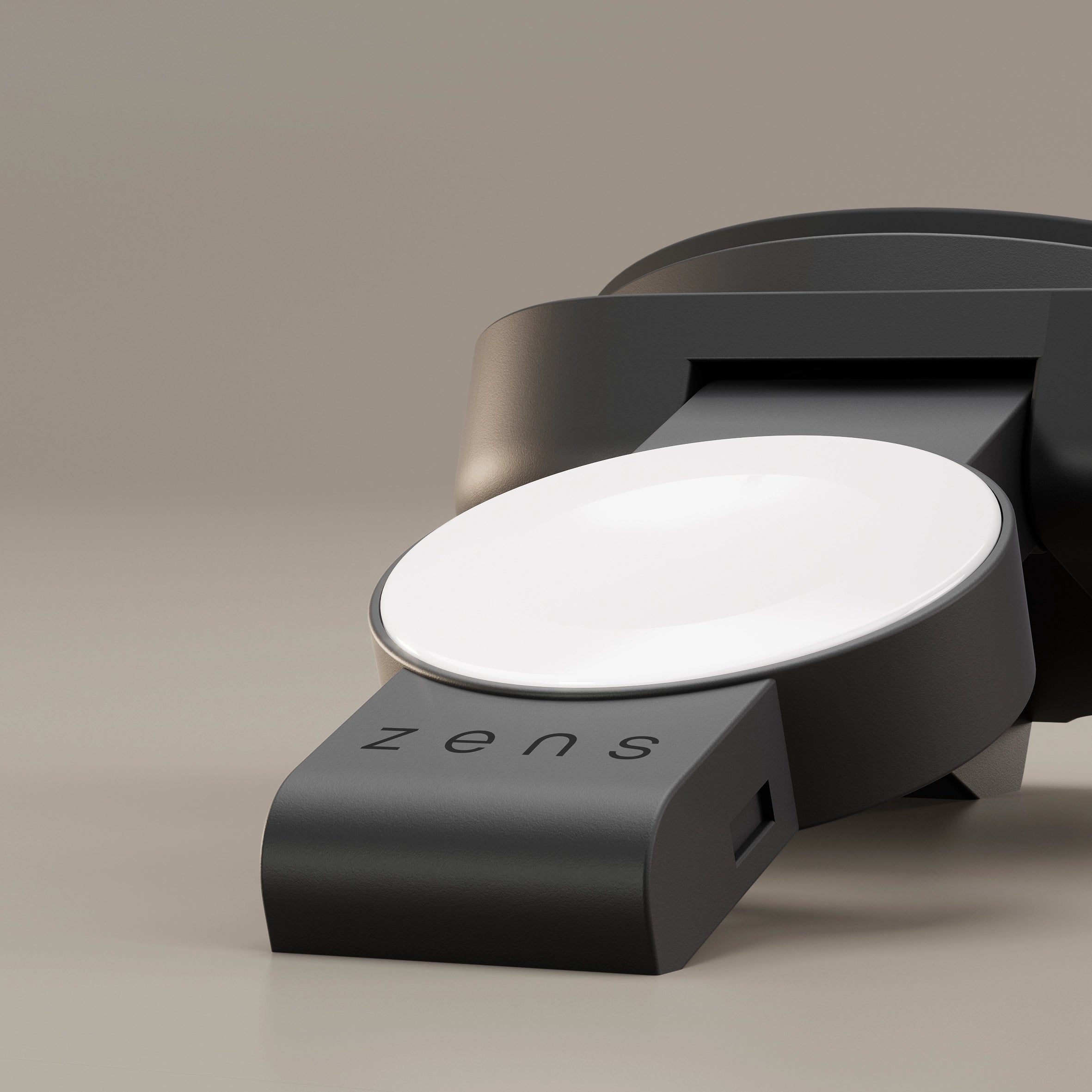
If you have compatible AirPods, charging them is simple. Place the closed AirPods case on the Apple Watch charging module with the status light facing up.
The case aligns magnetically with the charger. The status light will briefly turn on when charging begins. Depending on the model, the case may also play a sound to confirm that it is charging.
If nothing happens, check that your AirPods case supports charging with an Apple Watch charger and make sure the case is positioned correctly on the module.
Why doesn't it work with every AirPods case?
An Apple Watch charger works differently from a standard flat wireless charging: Qi, Qi2 & Qi2.2. Its charging module is specifically designed around the smaller charging area of the Apple Watch.
This means that wireless charging support alone is not enough. The AirPods case also needs to be compatible with charging via an Apple Watch charger.
AirPods 2 with a Wireless Charging Case are a good example. The case supports wireless charging on a compatible Qi charger, but cannot be charged using an Apple Watch charging module.
The same applies to devices such as the Samsung Galaxy Buds Pro: they cannot charge on the dedicated Apple Watch module. However, they can be charged on a compatible flat Qi charging surface, such as the charging area available when certain Zens chargers are folded flat.
Get more out of your Apple Watch charging module
This extra compatibility becomes especially useful when you charge several Apple devices every day.
For example, with a Zens multi-device charger that includes a dedicated Apple Watch module, that module doesn't have to sit unused when your Watch is already on your wrist. Instead, you can use it to charge compatible AirPods.
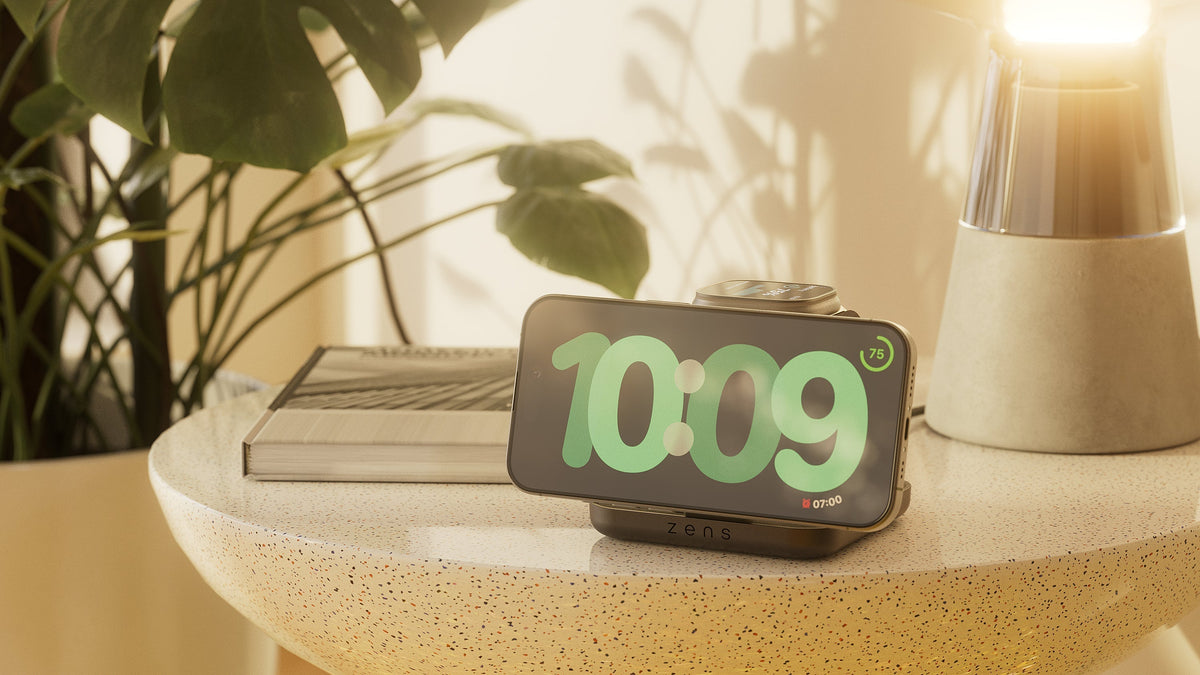
The Office Charger Pro 3 is a good example for a desk setup, giving your iPhone, Apple Watch and AirPods a dedicated place to charge. For your nightstand, the Nightstand Charger Pro 2 offers a compact charging setup that combines convenient wireless charging with a dedicated Apple Watch charging module.
In practice, this gives you more freedom to use the available charging spots based on what needs power at that moment. Your Apple Watch can charge overnight, while the same module can be used for compatible AirPods when your Watch is already charged or on your wrist.